Everything the clipboard should have been
A fast paste surface, collections that travel with you, and a capture engine that lives quietly in the tray. All of it end-to-end encrypted.
Paste without leaving
Summon the strip over any app with ⌥V. Arrow through clips or search across every device, then paste straight into the active field without switching windows or hunting.
- Summon over any app with ⌥V
- Space for a full preview of any clip
- 1–9 pastes the nth clip instantly

Keep the clips that matter
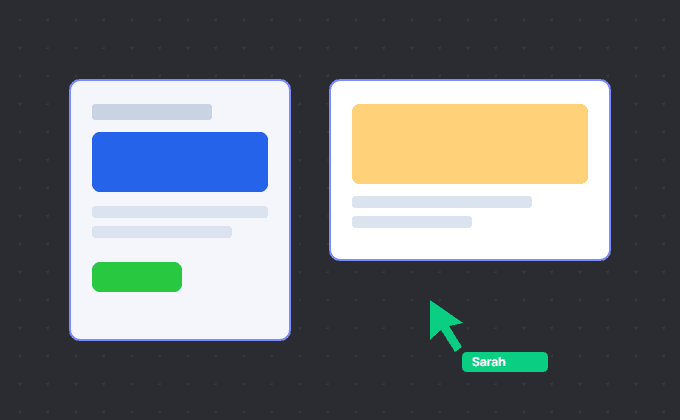
Group related clips into collections for an apartment hunt, a trip or launch assets. Pin them to the strip and keep them in sync across your paired devices. Team sharing is not available yet.
- Pin collections to the top of the strip
- Sync collections across your paired devices
- Collections are included in Free and Pro
Invisible until you need it
Clypy sits in your menu bar or system tray, capturing quietly. One small menu opens the strip, pauses capture or takes you to settings without getting in your way.
- Menu-bar / system-tray presence
- Pause capture for an hour with one click
- Global shortcuts you can remap
Small things, everywhere
Paste as plain text
⇧⏎ strips formatting. Set per-app rules so code editors always get plain text.
Sequential paste
Copy five things, then paste them one after another: a queue for your clipboard.
App exclusions
Banking apps, password managers, anything you name: never captured.
Share sheet & drag
Send anything into Clypy from your phone's share sheet; drag clips out on desktop.
Works offline
Everything works with no connection. Pending changes deliver when two paired devices overlap online, and late devices catch up from an up-to-date peer.
History rules
Keep everything, or auto-clear sensitive types on a timer you set.